
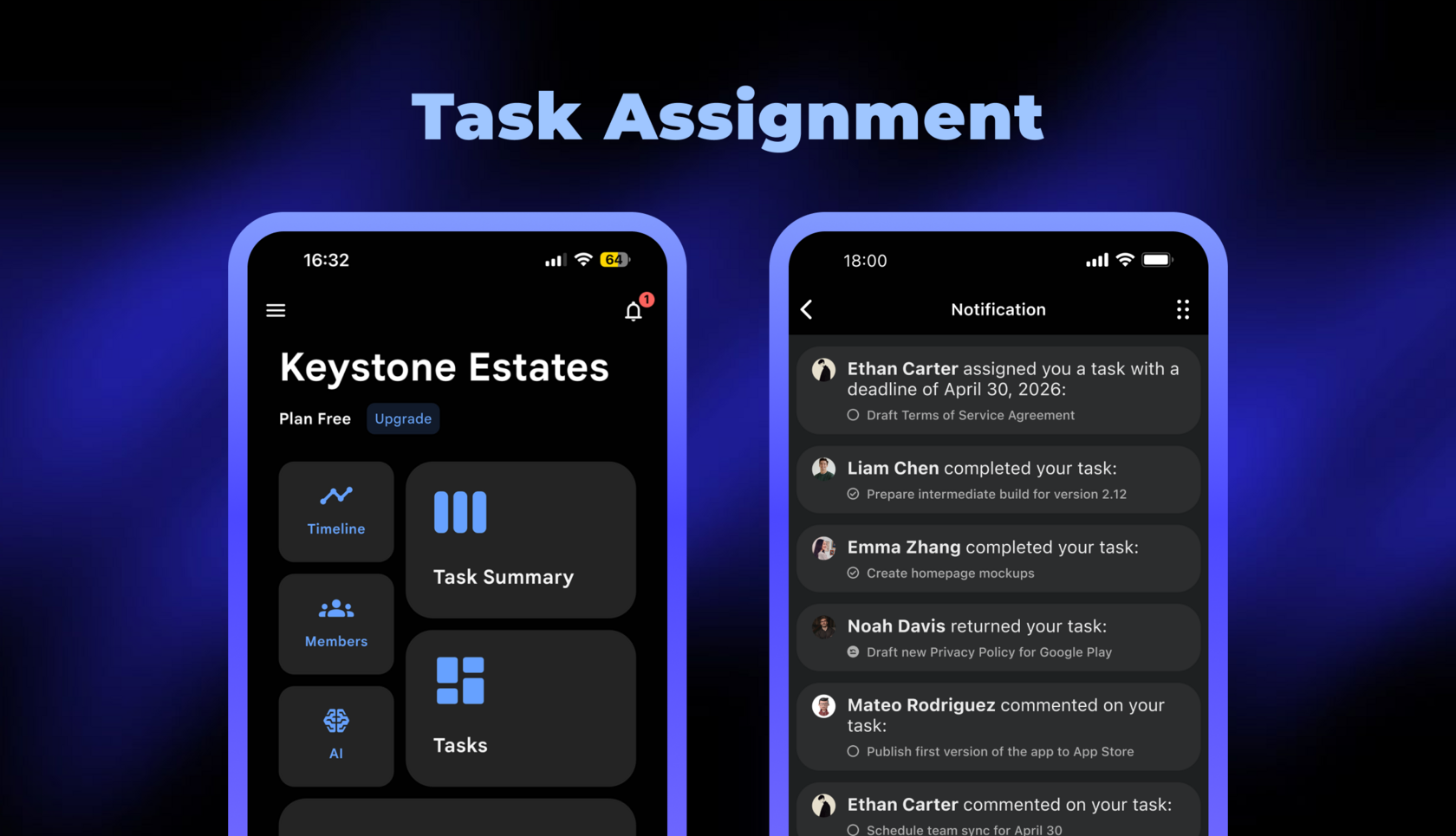
We continue explaining how team collaboration works in the announced Chaos Control Workspaces. Today we'll show you how task assignment works.
You can read more about adding members to a Workspace here.
You can read more about adding members to a Workspace here.
Assigning a Task
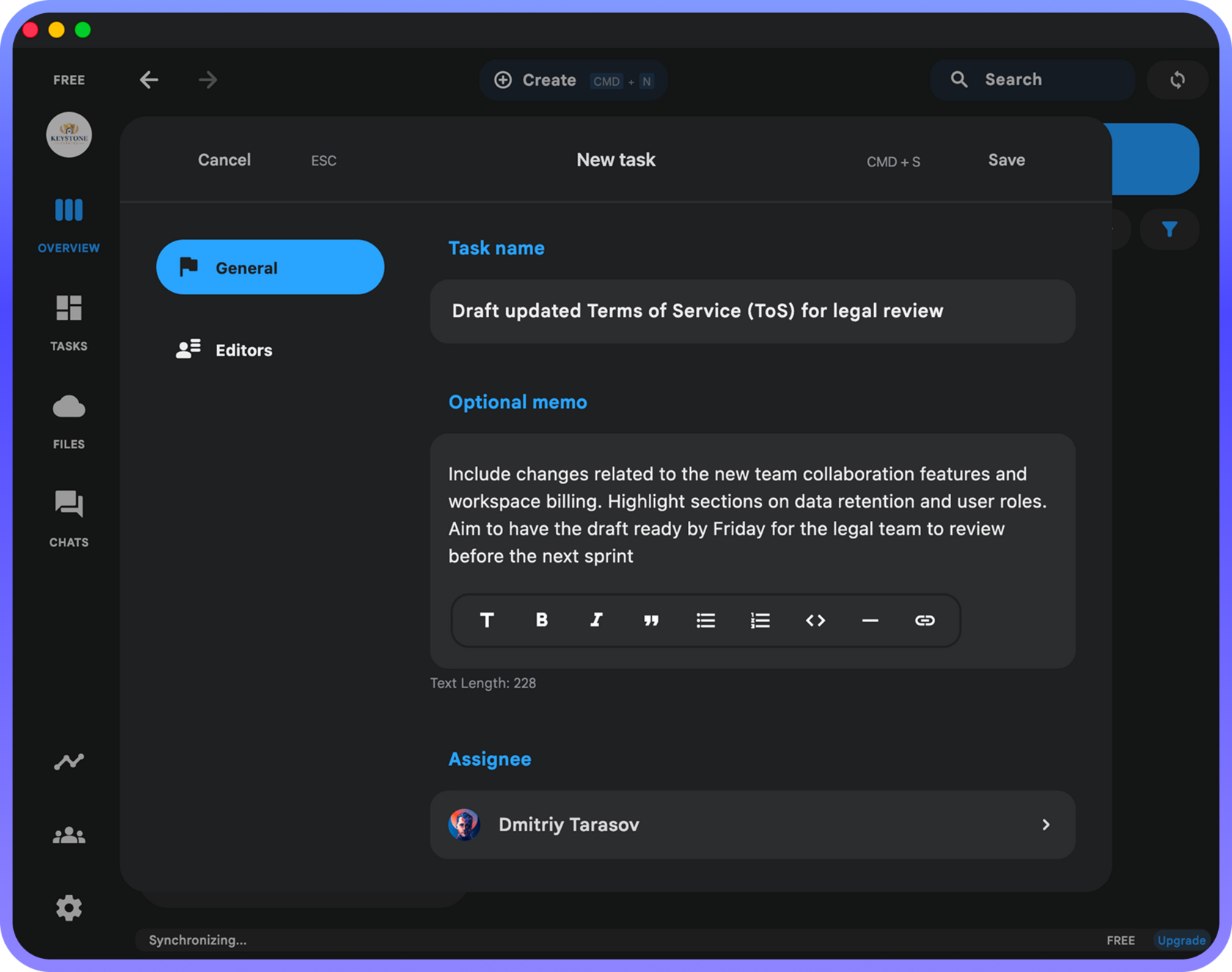
When you open the task creation dialog, you'll see the familiar dialog where you can specify the assignee:
How the Assignee Gets Notified
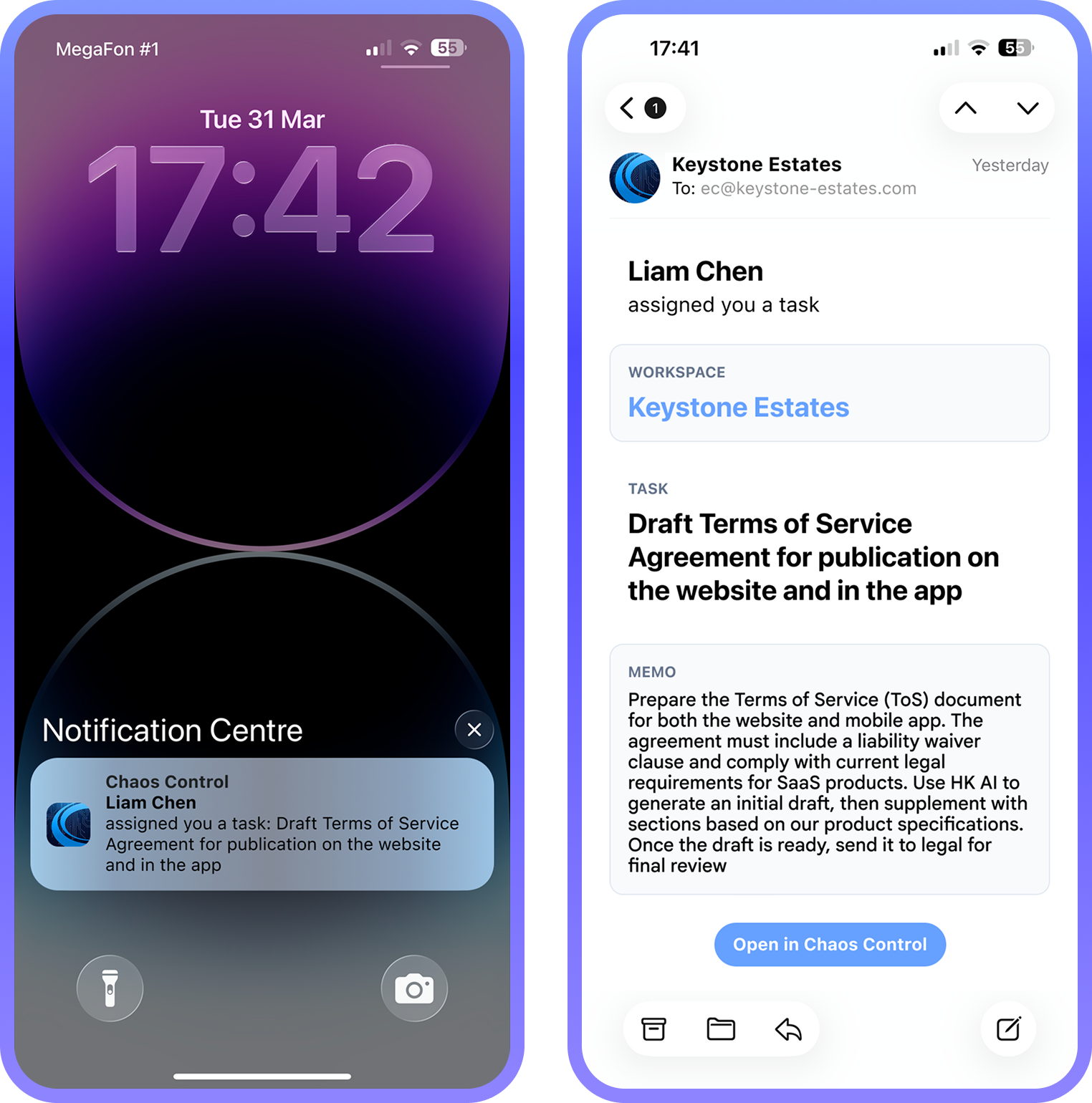
As soon as the task is created, the Workspace member it was assigned to will receive a notification in their Chaos Control apps and via email:
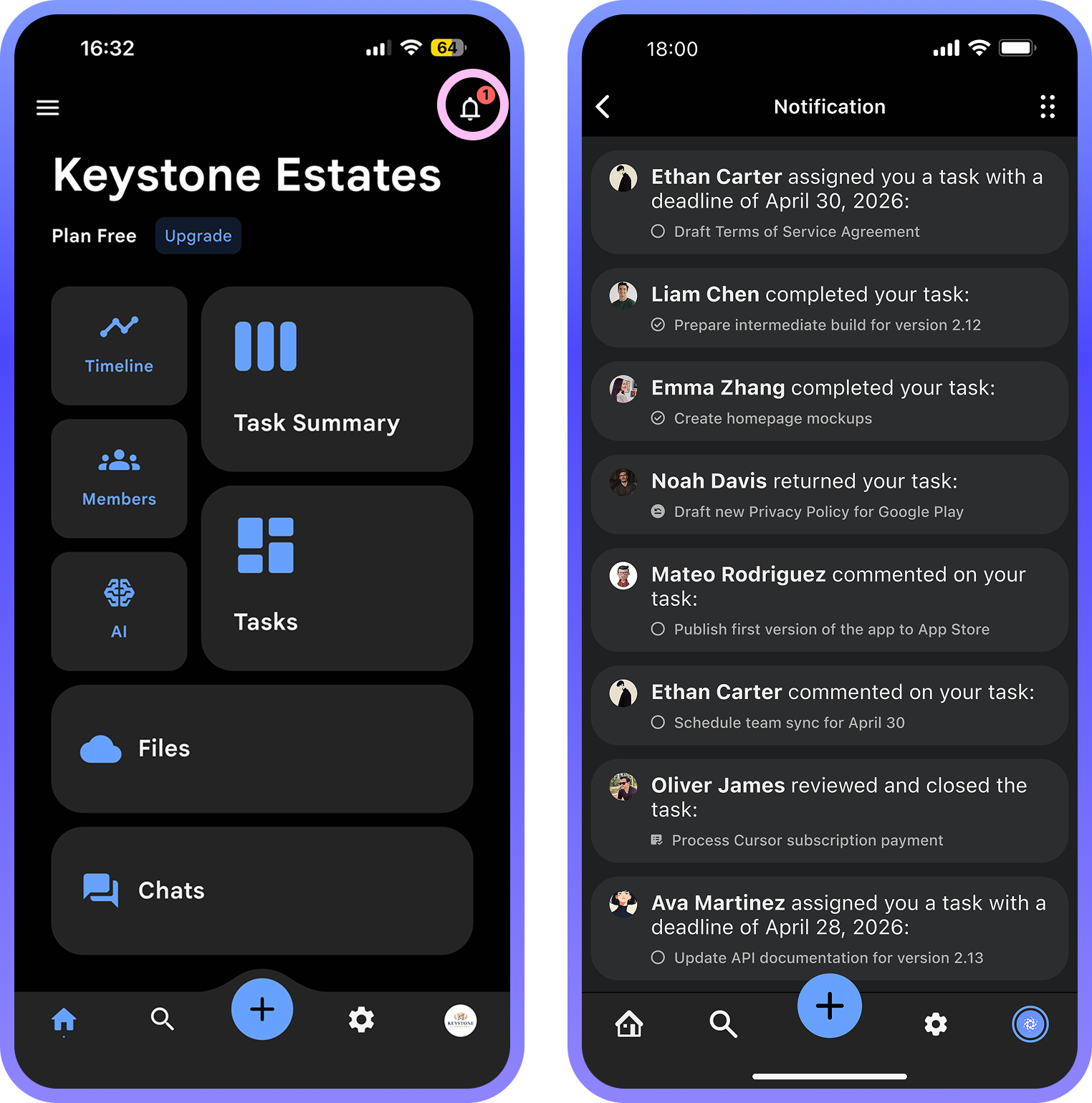
In addition, information about the new task will appear in the notifications section within Chaos Control itself:
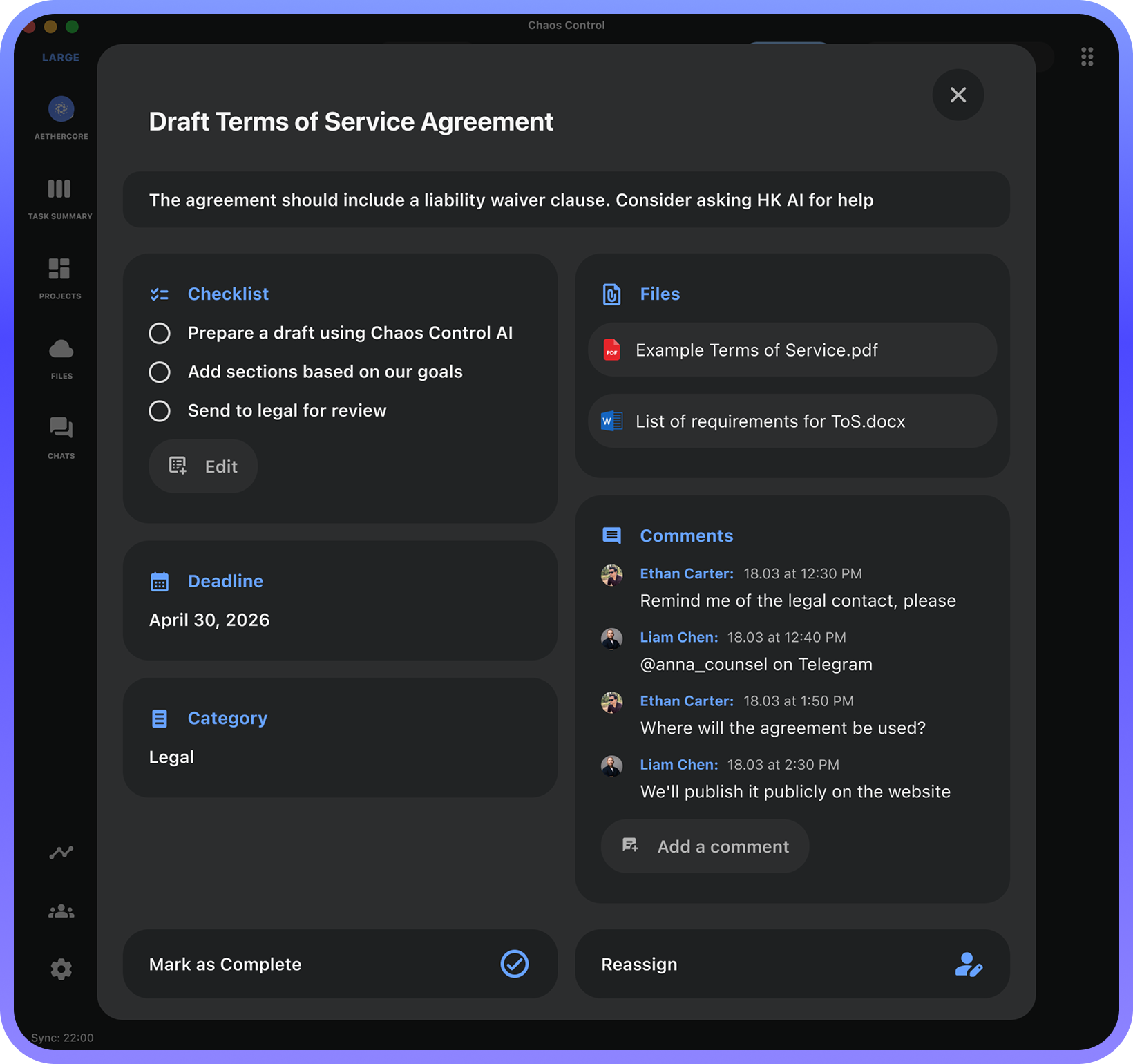
Viewing and Commenting on a Task
All Workspace members who have access to the relevant section in Chaos Control can view the task details and leave comments:
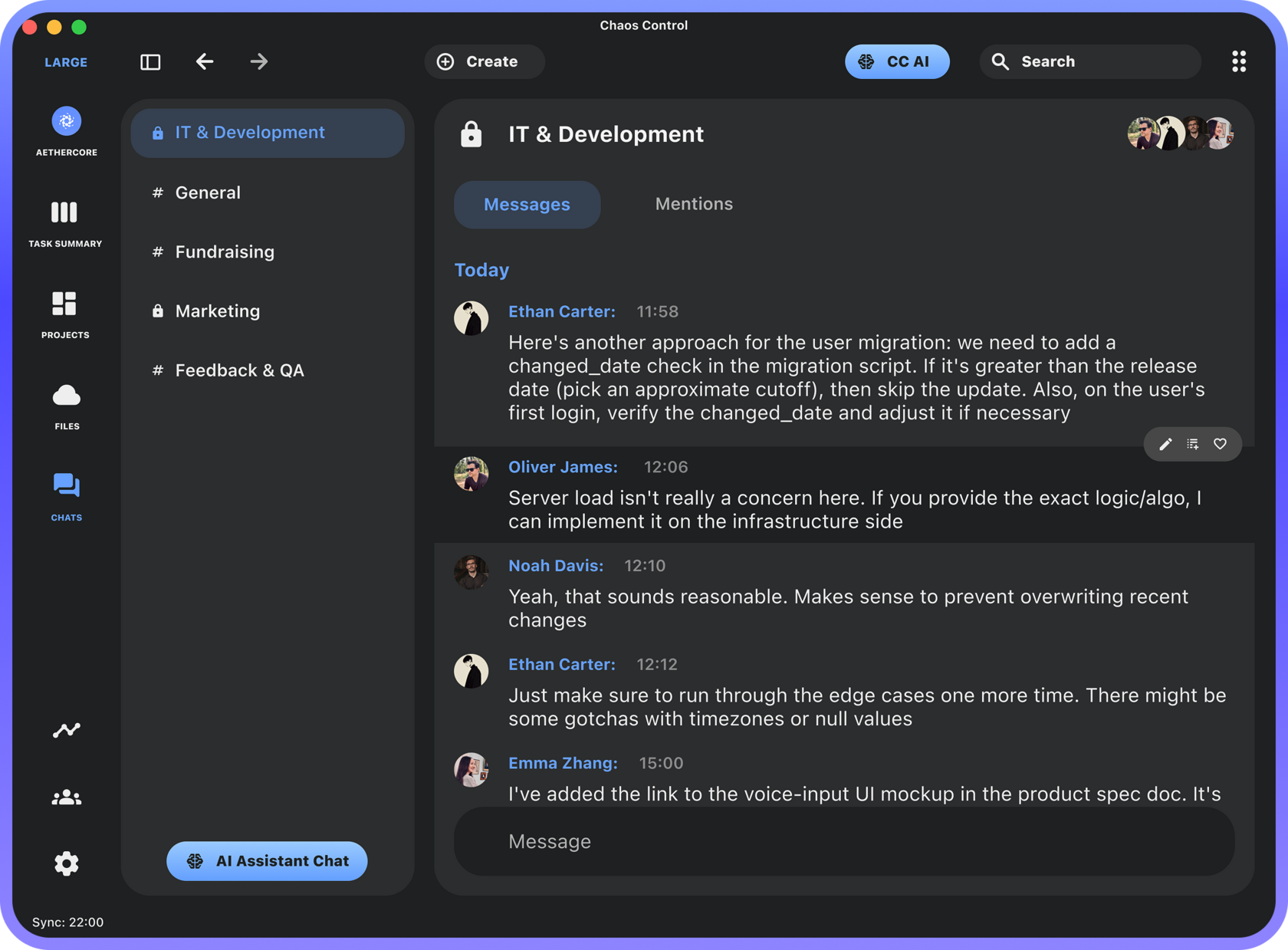
Notifying About Task Changes in the Chat
Please note that all task changes and related events are automatically broadcast in the #general Chat channel within Chaos Control chats:
As you can see, Chaos Control for Teams provides a simple way to quickly assign a task, discuss it, and keep everyone involved updated on progress.
Pre-order Lifetime License for Workspace
The price will increase by 20% on April 10th. Don’t miss out!
Note: customers with a PRO license are eligible to an additional discount when purchasing a Team Workspace license. Please email us at support@chaos-control.app, and we’ll send you a promo code
Note: customers with a PRO license are eligible to an additional discount when purchasing a Team Workspace license. Please email us at support@chaos-control.app, and we’ll send you a promo code
Dmitriy Tarasov,
Founder of Chaos Control
Founder of Chaos Control