
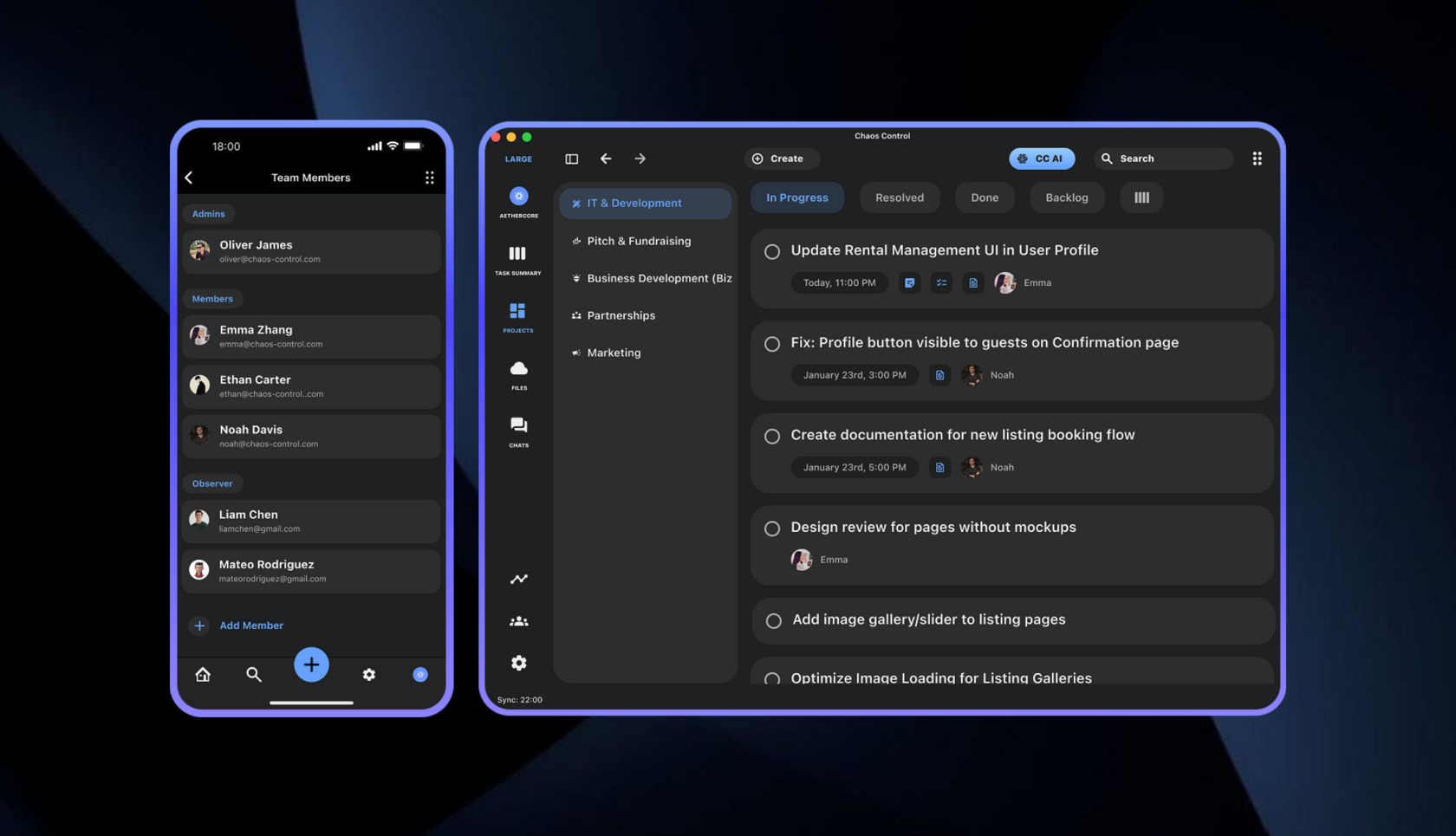
This article is for leaders and managers who want to build a healthy process for assigning and completing tasks within their teams, without the need to spend a long and painful time mastering a complex project management system.
In this first part, we'll cover the basics — how to get started quickly, build the habit of using a team task tracker, and begin seeing benefits right away.
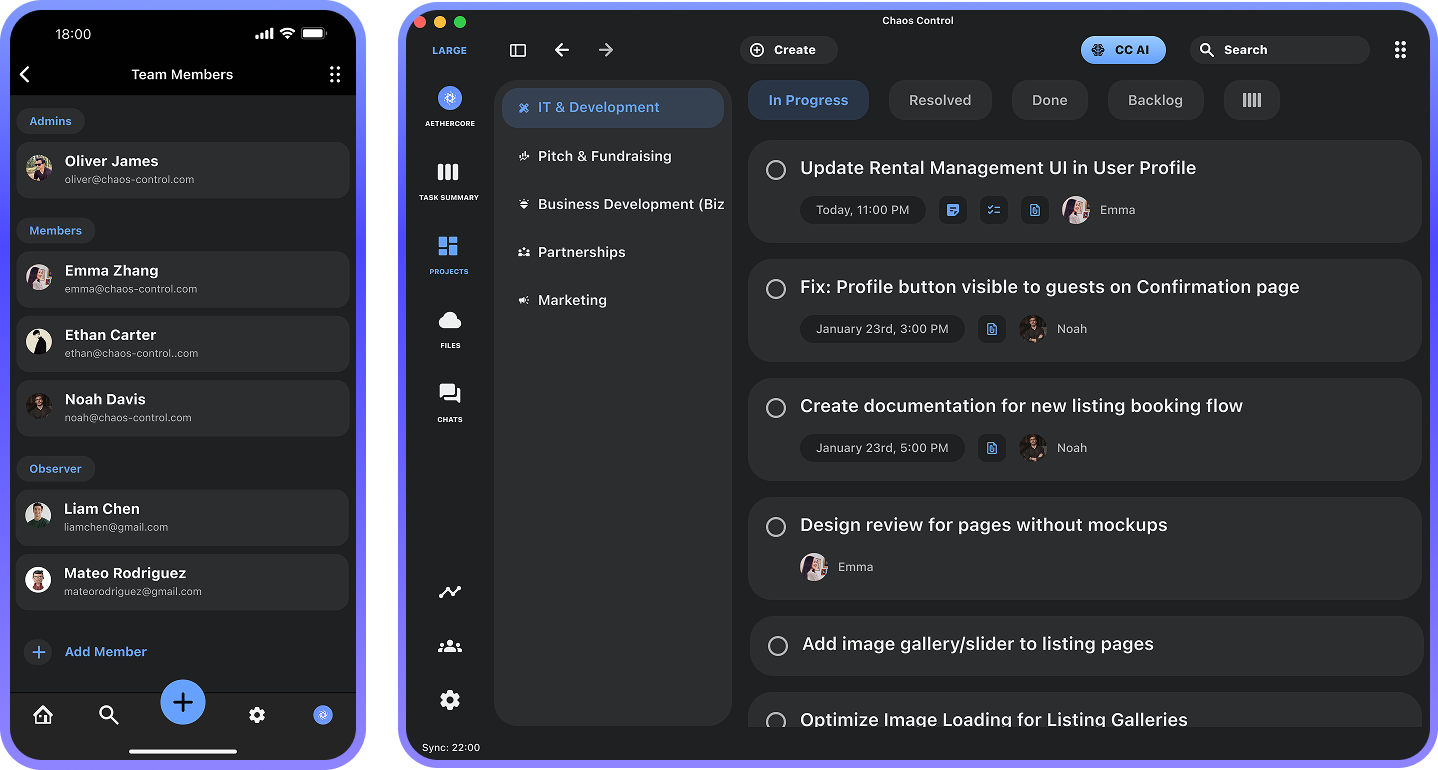
Why Use a Project Management System
Despite the abundance of various solutions, most teams handle incoming tasks in a chaotic "conversational management" mode — where tasks arise and are discussed during meetings, calls, and in work chats.
This model leads to common problems:
All of this inevitably leads to an increased need for additional discussions, which take time and distract from actual work. In many large companies, managers spend up to 50% of their working time on calls. That's far too much and simply expensive.
Using a simple task tracking tool can significantly reduce business communication time, increase team efficiency, and — most importantly — reduce the stress levels of team members.
This model leads to common problems:
- Tasks are poorly formalized
- Tasks get lost in messages or forgotten after discussions
- There are no clear completion criteria
- Deadlines slip, and stress levels rise
All of this inevitably leads to an increased need for additional discussions, which take time and distract from actual work. In many large companies, managers spend up to 50% of their working time on calls. That's far too much and simply expensive.
Using a simple task tracking tool can significantly reduce business communication time, increase team efficiency, and — most importantly — reduce the stress levels of team members.
A Simple Example
Let's imagine a typical situation: there is a team of, let's say, eight people, and they have a shared work chat. The process of assigning and completing a task usually looks like this:
Why not just message privately? Because it's important that all work communication is "visible" (so it can be "reviewed later"). So even breaking the general chat into categories doesn't prevent other employees who aren't involved in that conversation from being forced to read it in real time, distracting them from their work.
In the example above, six people spent 30 seconds each on a conversation that had nothing to do with them. That's a total of 3 minutes of work time. Not much, but if there are 10 such situations per day, that's half an hour per day — or about 10 hours per month.
And that's not even mentioning the associated problems, such as people turning off notifications, not checking the chat, missing tasks, or forgetting about them. By my conservative estimates, small companies lose tens of thousands of dollars a month to this model, and for larger ones, I'm afraid to even think about it.
Now let's compare the same scenario using a project management system:
The beauty of this process is that the other six people have no idea what's happening and can focus on their own work. But the communication is recorded within the system, and the manager can always see who is doing what without having to read through pages of chat logs.
This way, the chat is used for urgent questions, while most of the work happens behind the scenes. Less need for sync-ups or digging up forgotten tasks. It saves dozens of hours per month — and money.
- Someone in the team needs something from someone else
- An employee writes in the general chat to another employee: "Can you draft an agreement for the new client?"
- The second employee replies: "OK, I'll do it"
- Two hours later, the first one writes: "So what about it?"
- The second: "Yeah, 15 minutes"
- After 15 minutes, they drop the agreement into the general chat
Why not just message privately? Because it's important that all work communication is "visible" (so it can be "reviewed later"). So even breaking the general chat into categories doesn't prevent other employees who aren't involved in that conversation from being forced to read it in real time, distracting them from their work.
In the example above, six people spent 30 seconds each on a conversation that had nothing to do with them. That's a total of 3 minutes of work time. Not much, but if there are 10 such situations per day, that's half an hour per day — or about 10 hours per month.
And that's not even mentioning the associated problems, such as people turning off notifications, not checking the chat, missing tasks, or forgetting about them. By my conservative estimates, small companies lose tens of thousands of dollars a month to this model, and for larger ones, I'm afraid to even think about it.
Now let's compare the same scenario using a project management system:
- Employee 1 needs a contract
- They assign a task to Employee 2
- Employee 2 receives a new task notification
- They take it on
- And only when someone has a question ("when will it be ready" or "what should be included in the contract") do people open the messenger and start typing
The beauty of this process is that the other six people have no idea what's happening and can focus on their own work. But the communication is recorded within the system, and the manager can always see who is doing what without having to read through pages of chat logs.
This way, the chat is used for urgent questions, while most of the work happens behind the scenes. Less need for sync-ups or digging up forgotten tasks. It saves dozens of hours per month — and money.
The First Step to Order
The process of adopting a Project Management system can seem complicated and intimidating to those outside the IT world, because most solutions are monstrous all-in-one machines that offer a huge number of features.

So, to keep it from feeling overwhelming, it's important to understand that you don't need much to bring order. The following features are enough:
- Ability to create a task and assign it to someone
- A mechanism to notify the assignee about the task
- A mechanism to notify the task creator when the assignee completes it
- A mechanism for the creator to confirm the task was done correctly
All other features can be ignored in the beginning. The main goal is to build the habit of using the tool. And the best way to do that is to start small.
Our Chaos Control for Teams is built specifically to help you set up the process described above quickly and simply.
How It Works
Download Chaos Control, create a team Workspace, and add people to it:
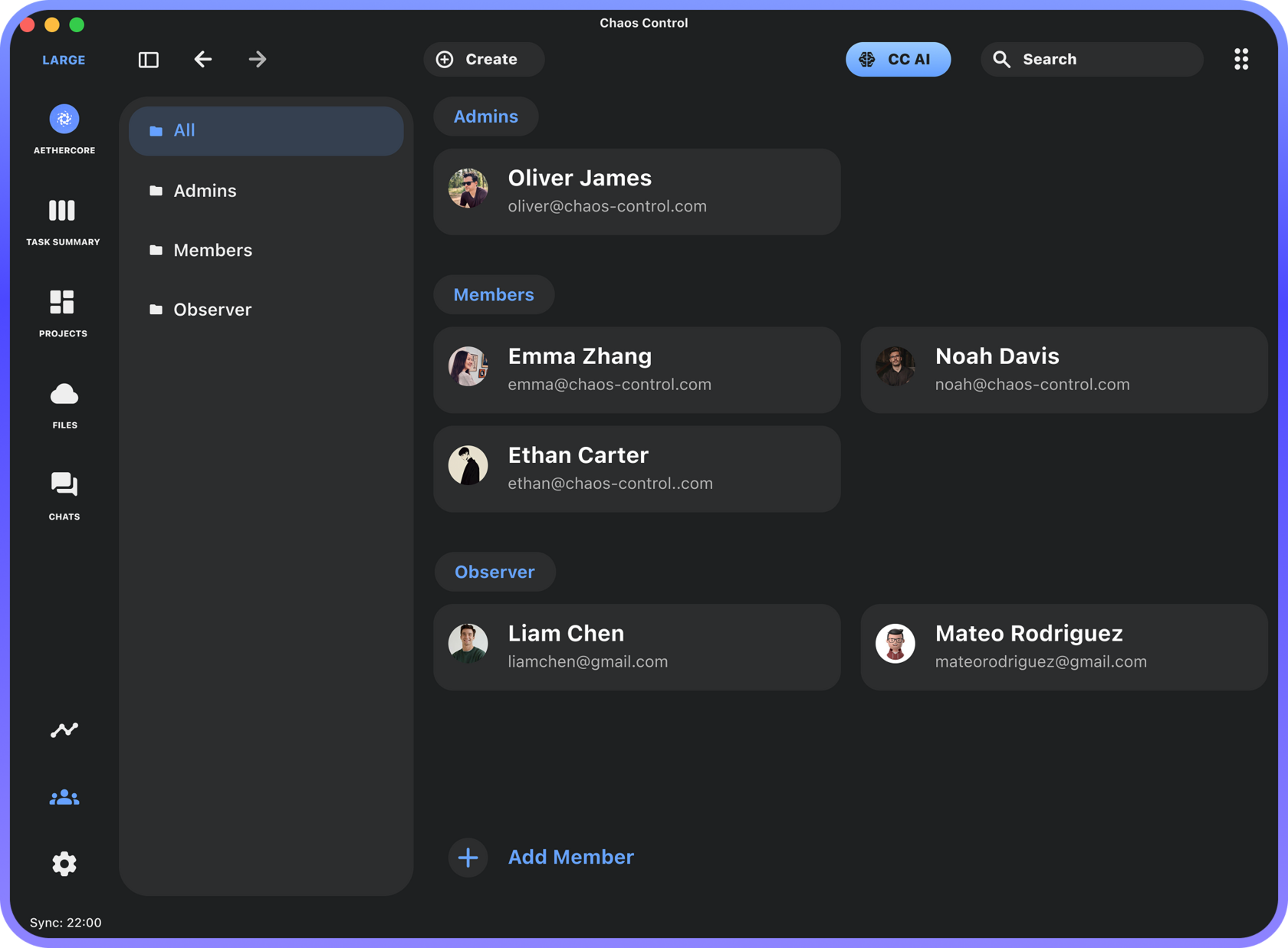
The workspace creation process is simple and intuitive. Members can join the workspace either through the mobile app or on PC using the Windows/Mac app or the web version.
To create a task, simply enter its title, description, optionally set a due date, and choose an assignee:
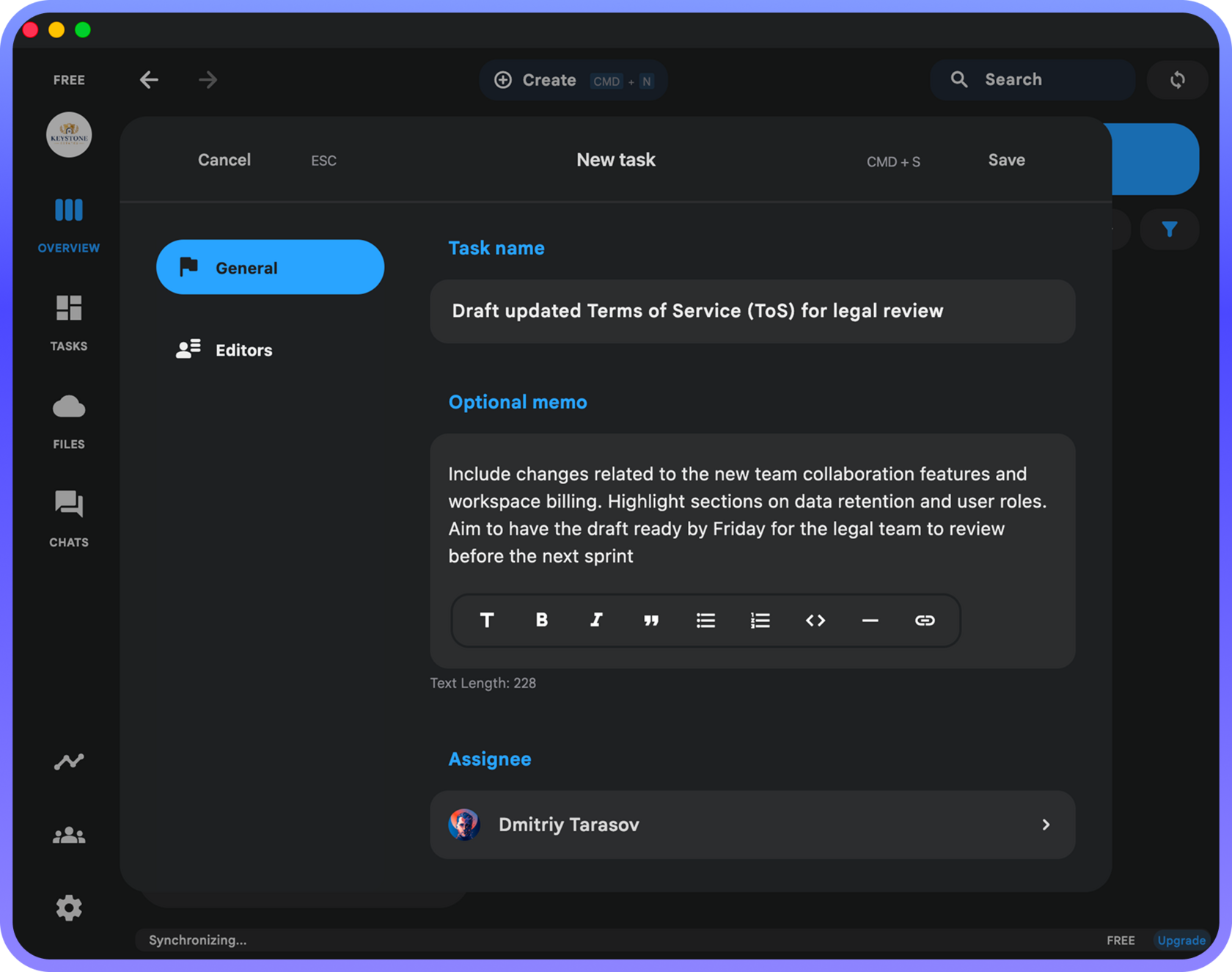
Once the task is saved, the assignee will receive a notification about it:

The assignee completes the task, marks it as "Completed", and the task author and workspace administrators receive a similar notification about the status change.
Next comes the most important part: the task author or an administrator checks the completion and changes the task status to "Closed". If anything still needs to be done, they move it back to "Active". The assignee then receives the corresponding notification.
This process of changing the task status — Active → Completed → Closed — provides a simple control and confirmation mechanism where:
- People involved in the task (the author, assignee, and workspace admins) stay informed through notifications
- For everyone else on the team, all communication regarding this task happens "behind the scenes" and doesn't distract them from their work with chat messages
It's rock-solid simple, saves a ton of time, and reduces the need for endless chat conversations or status calls.
How to Get Used to Using a Project Management System
I'll repeat — in the early stages, it's important to focus on putting a simple process into practice:
Other planning tools only add marginal benefits compared to the radical efficiency gain of moving tasks out of messengers and employees' unreliable memory into a task tracker.
The simplest way to adopt this practice is to use Chaos Control Workspaces.
The simpler the process change, the faster everyone will get used to it.
- A manager assigns a task
- The assignee changes its status
- The manager reviews and closes it
Other planning tools only add marginal benefits compared to the radical efficiency gain of moving tasks out of messengers and employees' unreliable memory into a task tracker.
The simplest way to adopt this practice is to use Chaos Control Workspaces.
The simpler the process change, the faster everyone will get used to it.
Next Steps
I recommend exploring the team collaboration features in Chaos Control, creating a Workspace, and starting to assign all new tasks to people there.
Please note that until May 12th you can get a Lifetime License for a Team Workspace that includes all the current and future features of Workspaces to all it's members. You learn more about our roadmap here. If you have a PRO license you get an additional discount. Just email us to support@chaos-control.app and we will send you a promo code.
Please note that until May 12th you can get a Lifetime License for a Team Workspace that includes all the current and future features of Workspaces to all it's members. You learn more about our roadmap here. If you have a PRO license you get an additional discount. Just email us to support@chaos-control.app and we will send you a promo code.
Dmitriy Tarasov,
Founder of Chaos Control
Founder of Chaos Control