

We continue to explore how upcoming team collaboration works in Chaos Control. You can read more about Workspaces and their capabilities here.
Categories, Projects, and Tasks
Just like in personal Chaos Control, you can create categories in workspaces to conveniently group tasks by topic:

Note that after the Team Workspaces release, you'll be able to create tasks directly within categories (unlike the current version of Chaos Control, where tasks can only live inside projects):
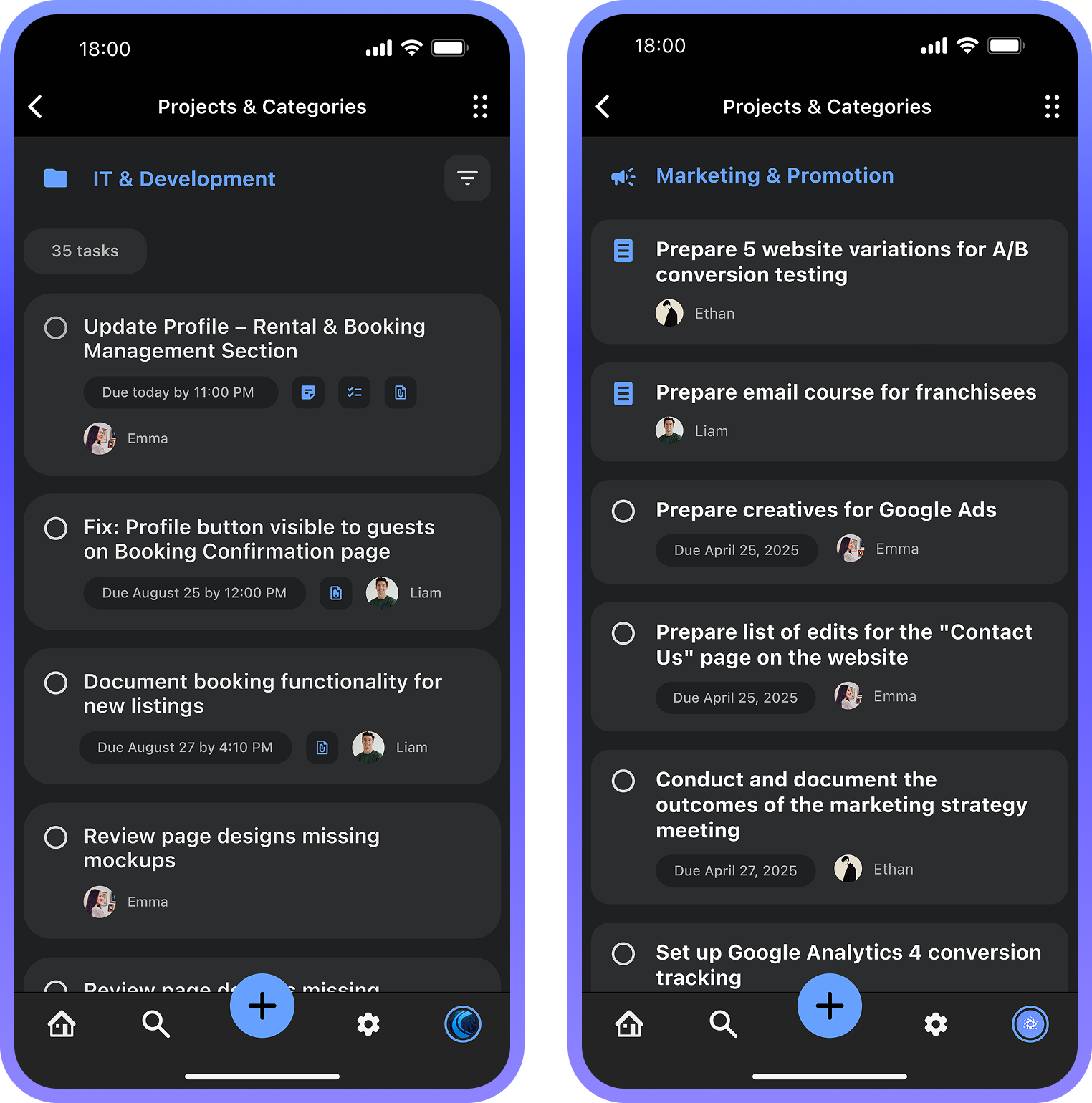
If you're working with a small group (for example, a family Workspace), you don't need to create categories at all — simply add tasks to the Projects or Task Summary sections:

As you can see, Chaos Control Workspaces give you the freedom to organize tasks in whatever way works best for you — from a nested category structure down to simple flat lists.
Shortly after the Team Workspaces release, we'll add the ability to restrict visibility of specific categories to certain groups of people. So if you need only specific members to see a particular set of information, you'll be able to do that.
Pre-order Lifetime License for Workspace
The price will increase by 20% on April 10th. Don’t miss out!
You can learn more about Team Workspaces and check out our roadmap on this page.
Note: customers with a PRO license are eligible to an additional discount when purchasing a Team Workspace license. Please email us at support@chaos-control.app, and we’ll send you a promo code
You can learn more about Team Workspaces and check out our roadmap on this page.
Note: customers with a PRO license are eligible to an additional discount when purchasing a Team Workspace license. Please email us at support@chaos-control.app, and we’ll send you a promo code
Dmitriy Tarasov,
Founder of Chaos Control
Founder of Chaos Control