
In this article, I want to show how to dramatically improve the efficiency of watching any educational video with the help of AI. The approach is simple:
The third step is what transforms the consumption model from simply “watching and remembering interesting content” into an interactive experience where you can actually “talk” to the content and, in doing so, satisfy your specific needs and questions.
For example, a few months ago, Pavel Durov’s widely discussed interview with Lex Fridman was released.
- Download a YouTube video (an interesting podcast, for example)
- Generate a text transcript of it using AI
- Ask the AI questions about the topic and get answers
The third step is what transforms the consumption model from simply “watching and remembering interesting content” into an interactive experience where you can actually “talk” to the content and, in doing so, satisfy your specific needs and questions.
For example, a few months ago, Pavel Durov’s widely discussed interview with Lex Fridman was released.
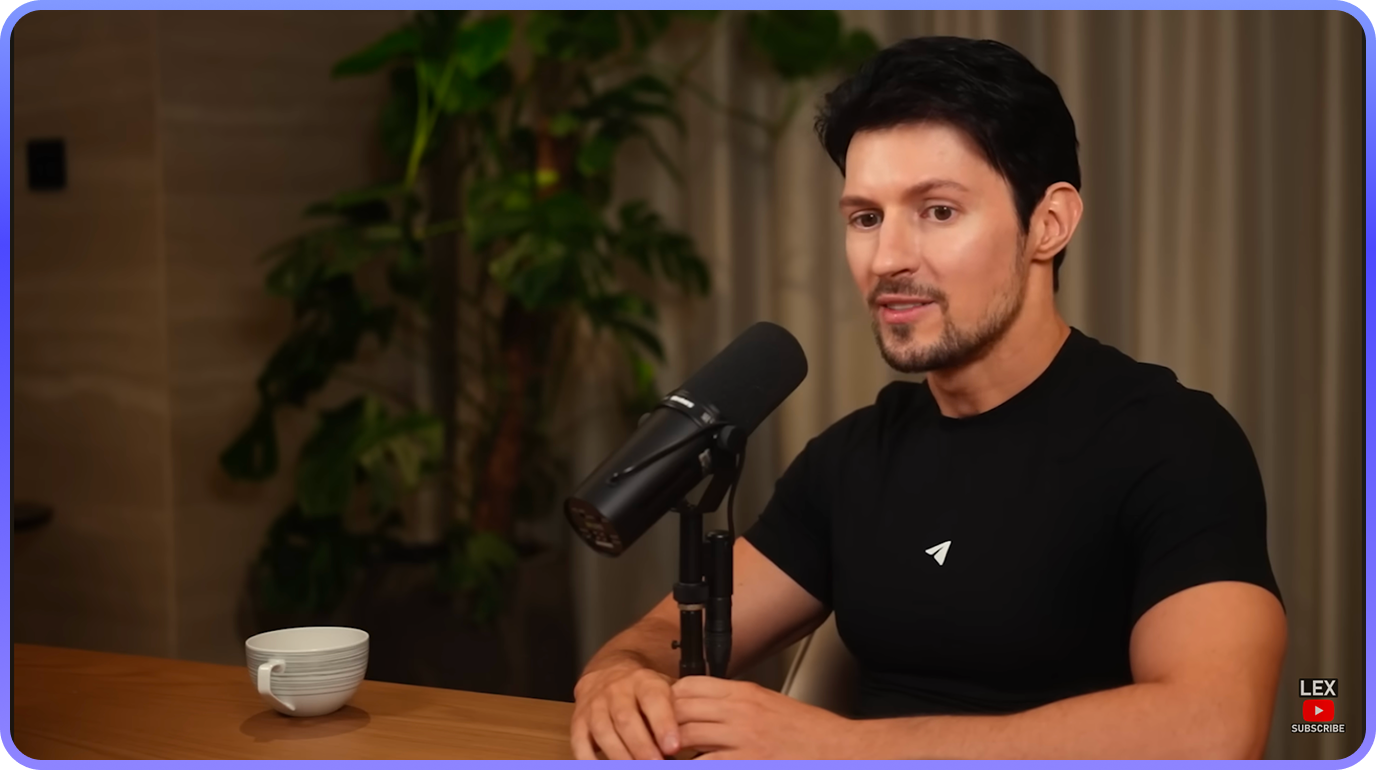
Despite some of the controversy surrounding it, the interview contained a lot of valuable insights in the context of building and scaling IT products.
In particular, Durov shared some fascinating insights into the inner workings of Telegram’s development process — personally, that was the part I found the most interesting. But simply watching and drawing conclusions is one thing; the real question is how you can take it further with the help of AI.
Step 1: Creating a Transcript of the Interview
Note: the transcript itself is not particularly useful on its own. However, it can be processed with AI and “asked questions” (more on that below).
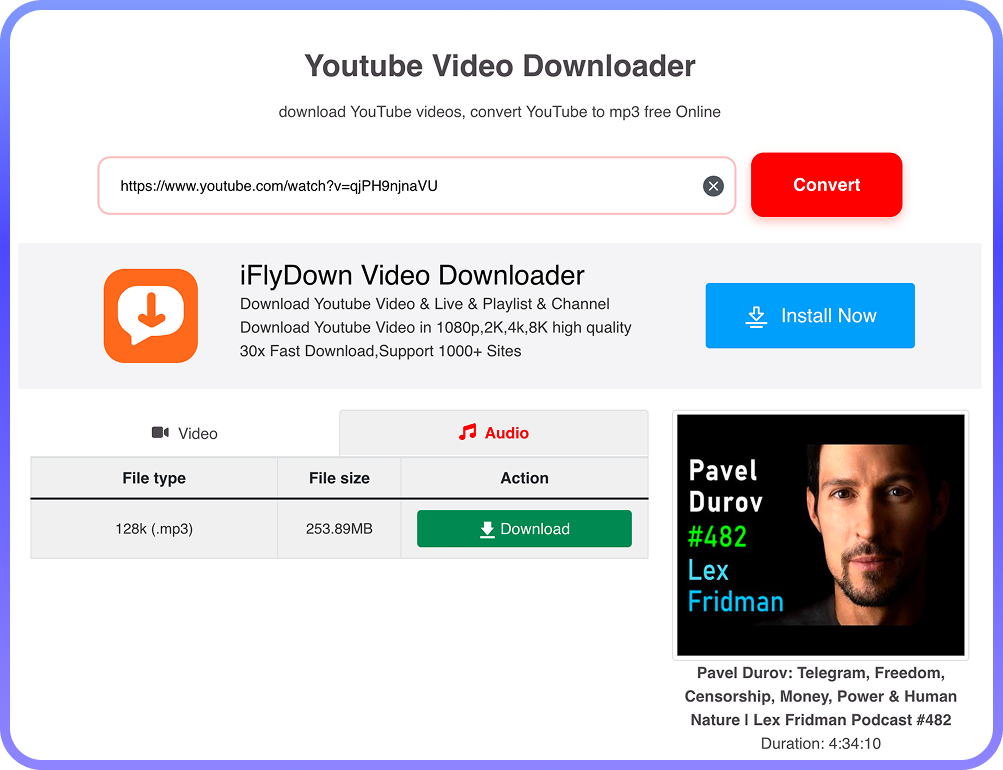
To do this, you first need to download the audio track using the free website yt1s.ltd. Simply paste the URL and choose the Audio download format:
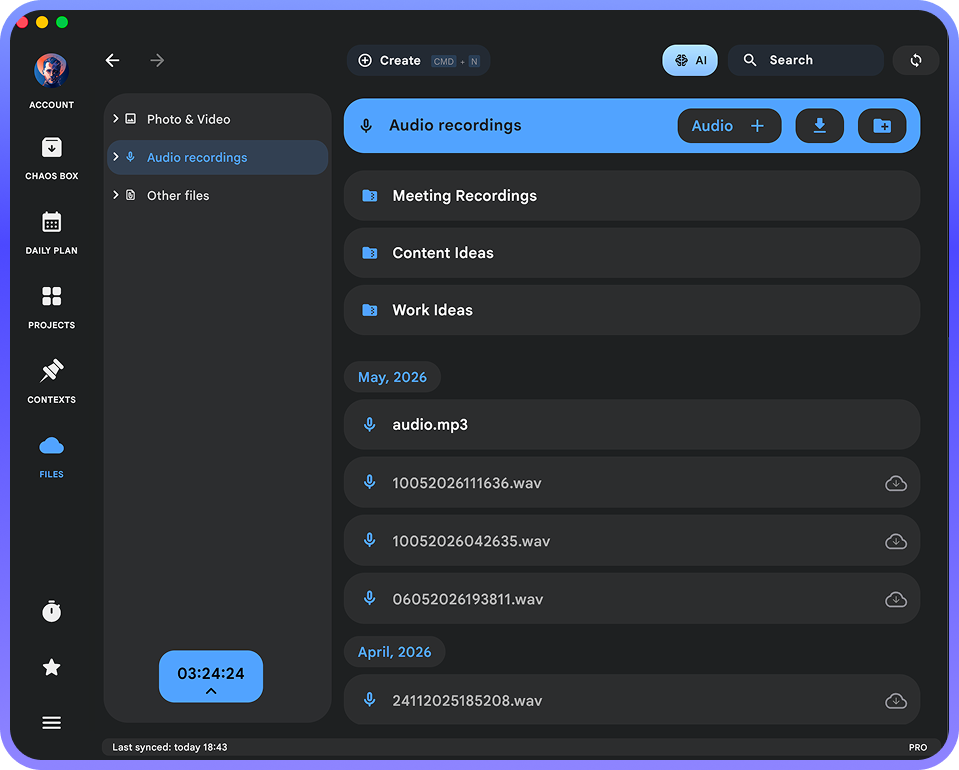
The downloaded file should be renamed to something simple like audio.mp3 and uploaded to the “Files” section of Chaos Control:
After that, a “Text Transcript” button will appear in the file viewer dialog. Click it, and Chaos Control will generate the transcription automatically:
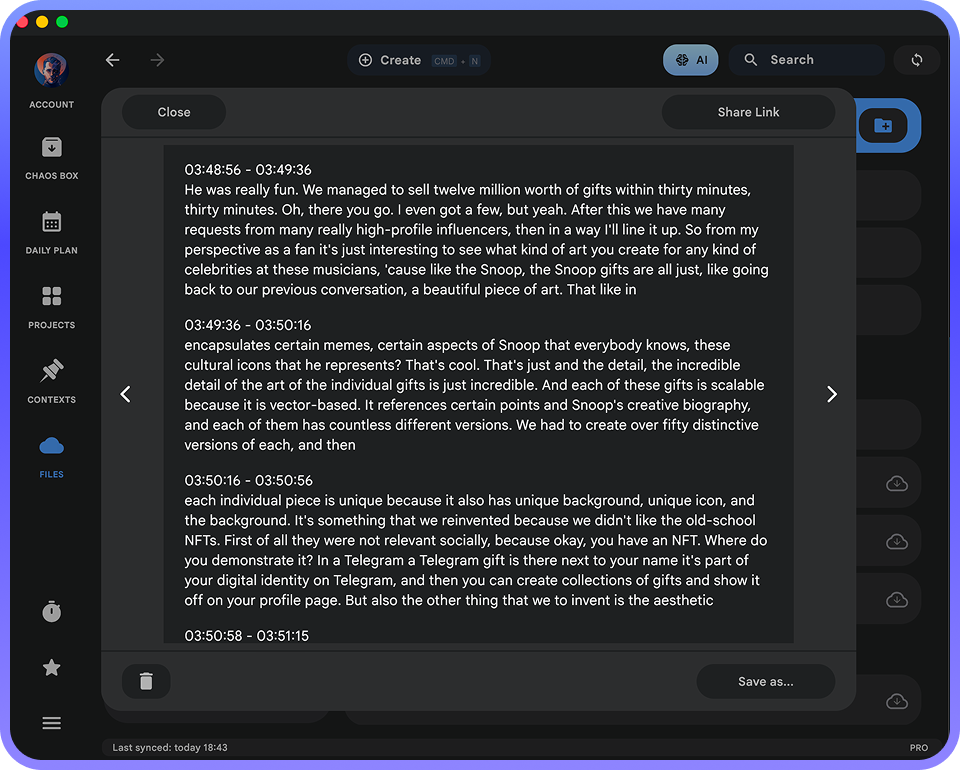
Again, a text transcript of a four-hour conversation is not particularly useful on its own. But this is where the really interesting part begins.
Step 2: Feed the Transcript to Chaos Control AI and Ask Questions
Click the “Process with AI” button (located below the transcript). This will open a chat with Chaos Control AI, which is currently powered by the Perplexity engine (though other models are coming soon). The entire transcript will automatically be inserted into the conversation.
Then add a prompt like this at the beginning:
Then add a prompt like this at the beginning:
“In this interview, Pavel Durov talks about how the Telegram team approaches product development. Create a list of actionable techniques that I, as the founder of Chaos Control, can apply to the development of my task and project management tool. Highlight which Telegram approaches would be the most effective in my case. Also, create a list of Telegram’s distinguishing characteristics that helped it become the world’s most popular messenger, and comment on how these ideas could be adapted to the development of a business productivity tool.”
In this case, I’m asking a question that is personally relevant to me, but the general idea should be clear — you can shape the prompt however you want depending on your own goals and interests.
Chaos Control AI will generate a structured summary like this (the screenshot below shows a fragment of it):
Chaos Control AI will generate a structured summary like this (the screenshot below shows a fragment of it):
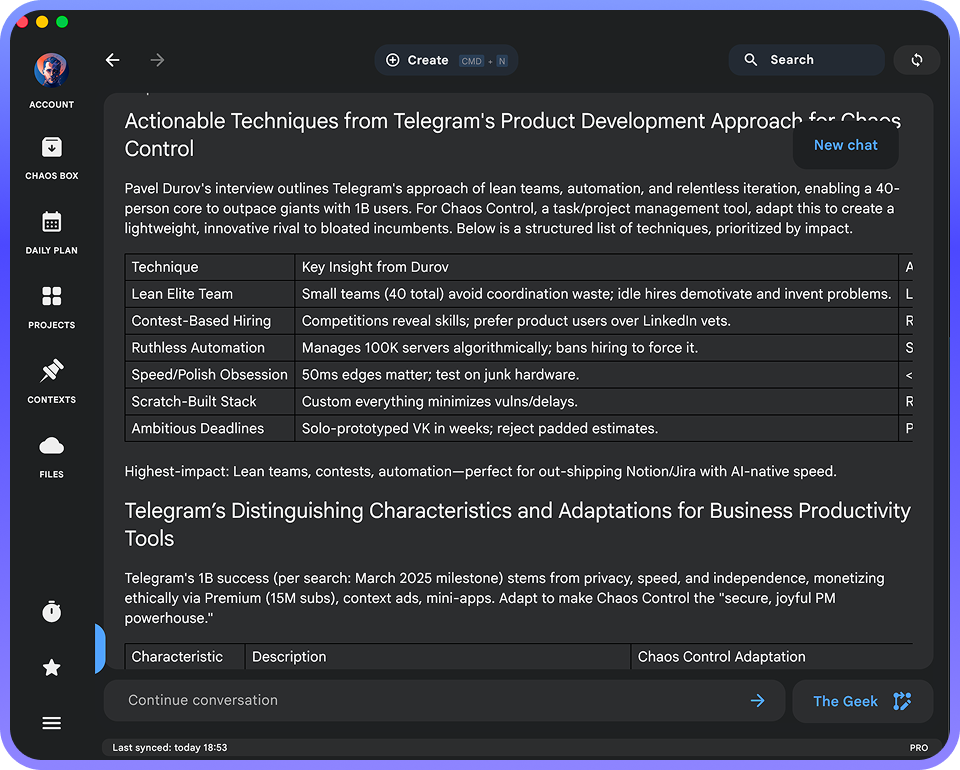
Of course, the summary is only the first step. Let’s say I got interested in the idea of running contests among designers. I ask Chaos Control AI:
Tell me more about running contests. What exactly did the Telegram team do in this area, and how can I apply this to Chaos Control? In particular, I’d like to run a contest for the best product logo. Break down step by step how to organize it.
…and off we go:
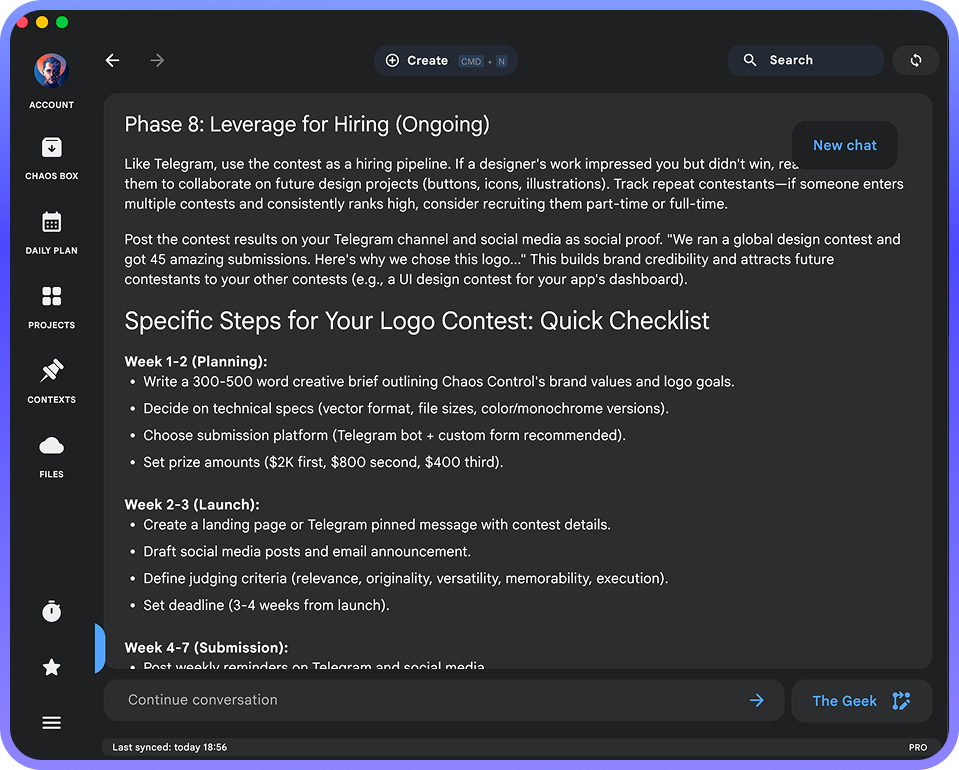
This is just a part of an actionable plan provided by AI based on the contents of the interview.
And here are the results of the prompt: “Now write a Substack post for me with a list of productivity principles from Durov mentioned in this interview”:
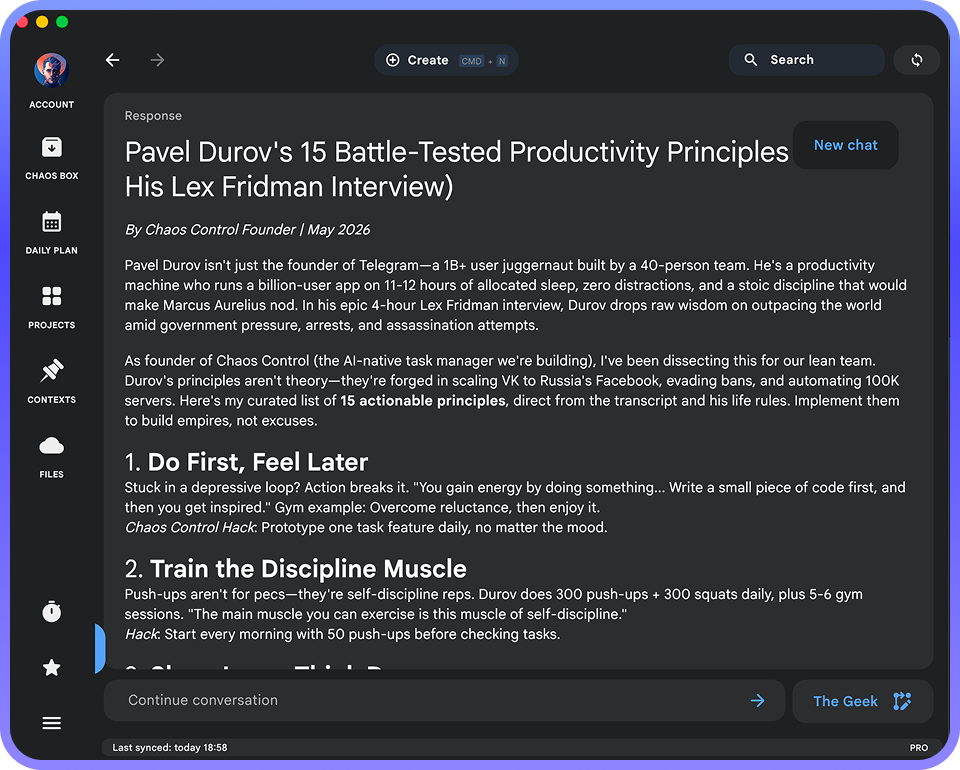
And so on, and so forth.
Why This Is Useful
In practice, this approach creates a sense of live participation in the conversation. When simply watching a video, you can’t ask questions — but with AI, you can. To some extent, AI allows you to “talk” to the people in the video. And the ability to generate topic-specific summaries from long conversations is a tool worthy of a separate article on its own.
Obviously, this approach works not only with YouTube videos, but also with podcasts, audiobooks, lectures, and virtually any other content. The amount of value you can extract increases dramatically, while the process itself remains relatively simple.
I highly recommend trying this if you haven’t yet experimented with using AI in this way.
Obviously, this approach works not only with YouTube videos, but also with podcasts, audiobooks, lectures, and virtually any other content. The amount of value you can extract increases dramatically, while the process itself remains relatively simple.
I highly recommend trying this if you haven’t yet experimented with using AI in this way.
P.S. The audio/video transcription features and Chaos Control AI described above are included in the Chaos Control PRO plan. Until the end of May, you can purchase it under special conditions and receive 4× higher AI usage limits compared to users who upgrade starting June 8. Learn more here.
If you already have a license and would like to upgrade it to PRO 100 or PRO 1000, email us at support@chaos-control.app, and we’ll send you a promo code.
P.P.S. Transcription features and Chaos Control AI will soon also be available in Team Workspaces. You can purchase a lifetime license for them until May 17 inclusive (after that, only subscription options will remain). Email us to get a discount if you already have a personal license.
Learn more about team Workspaces
Dmitriy Tarasov,
founder of Chaos Control
founder of Chaos Control