
How to Join a Workspace
If you've received an invitation to a Team Workspace, follow the steps below to join it.
Step 1: Download the Chaos Control 2 app
Chaos Control 2 is available on iOS, Android, Windows, Mac, and the web:
Step 2: Create an account in the app settings
If you already have an account, you can skip this step.
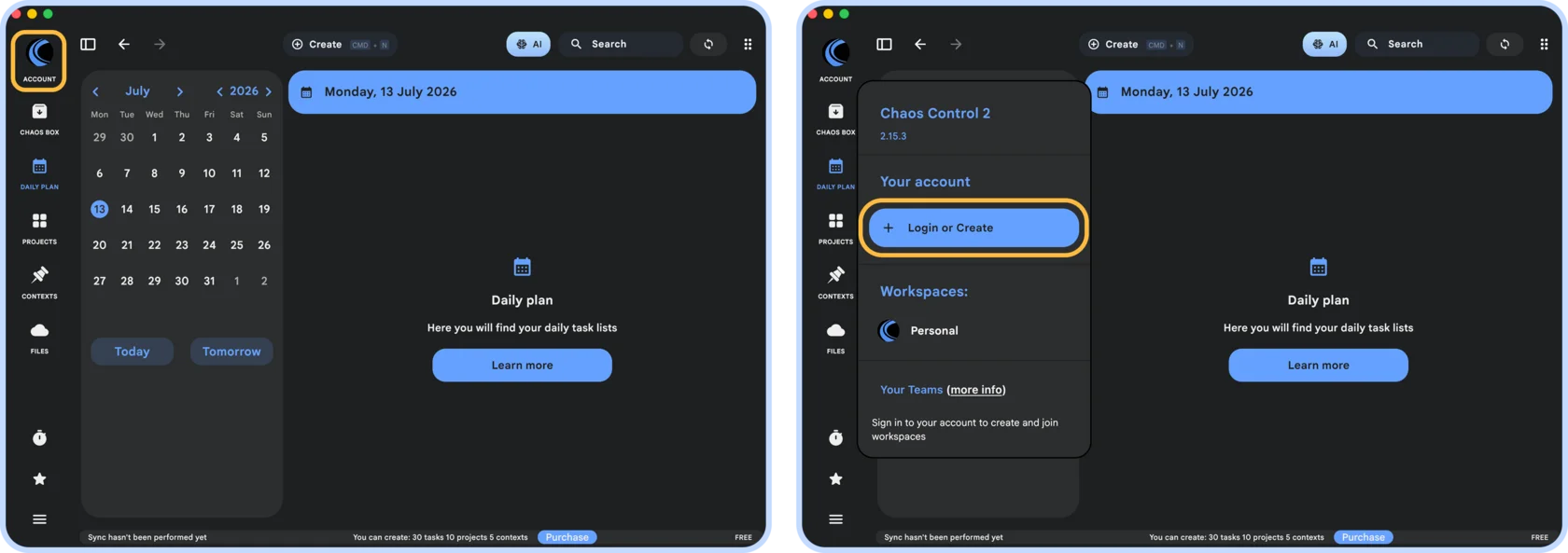
On desktop: click the Account button in the upper-left corner and select Sign In or Create Account:
On desktop: click the Account button in the upper-left corner and select Sign In or Create Account:
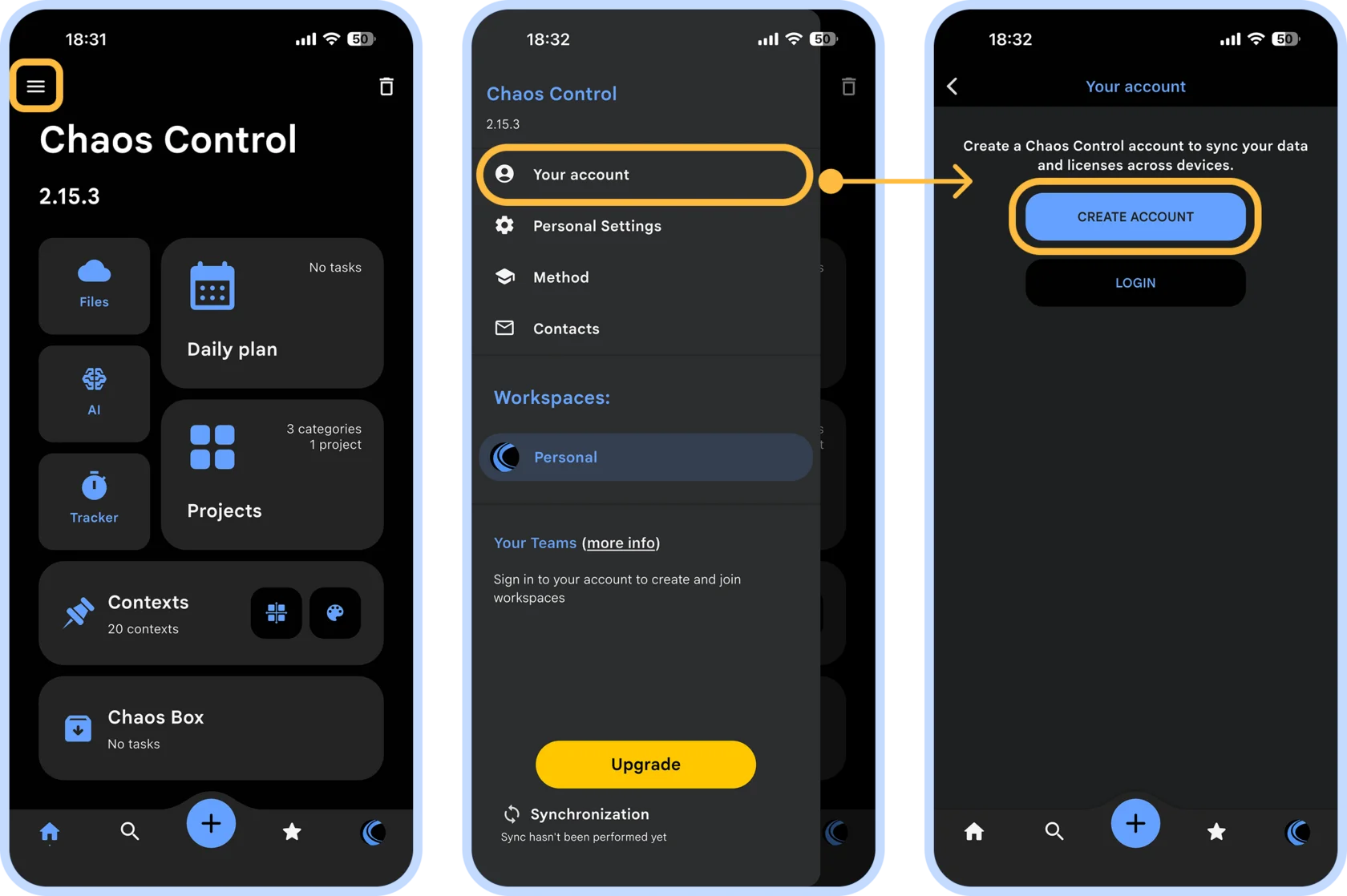
On mobile: tap the side menu button in the upper-left corner, select Your Account, and then tap Create Account:
In the dialog that appears, enter your email address and choose a password. This will create your Chaos Control account.
We also recommend adding a profile photo so your colleagues can easily recognize you when you join the Team.
We also recommend adding a profile photo so your colleagues can easily recognize you when you join the Team.
Step 3: Enter your Team invitation code
Once you've created an account or signed in, a Workspaces section will appear in the side menu. Tap Join, then enter the invitation code you received from the Workspace administrator:
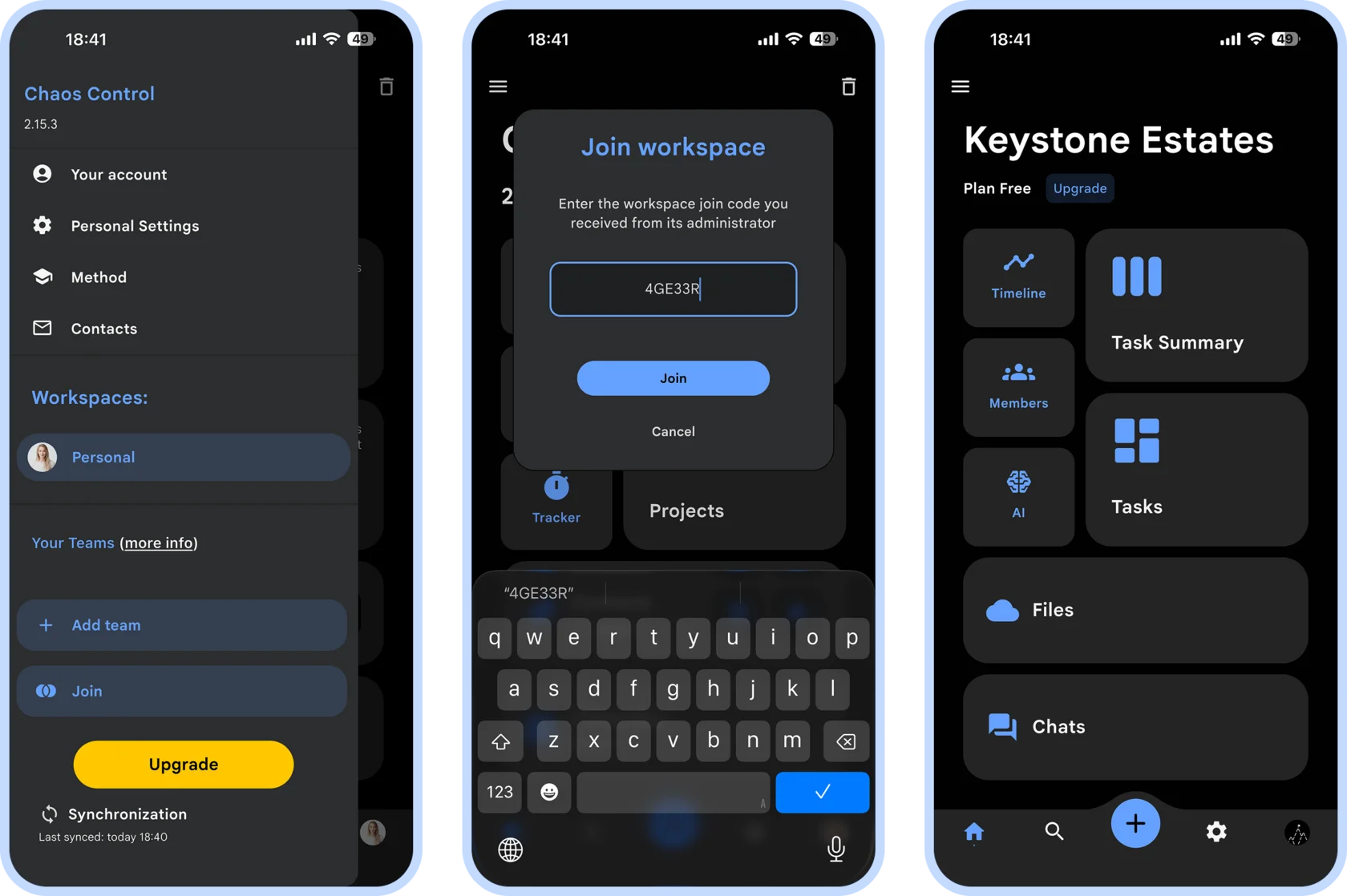
As soon as you enter the code, you'll join the Team Workspace and will be able to collaborate with its other members