
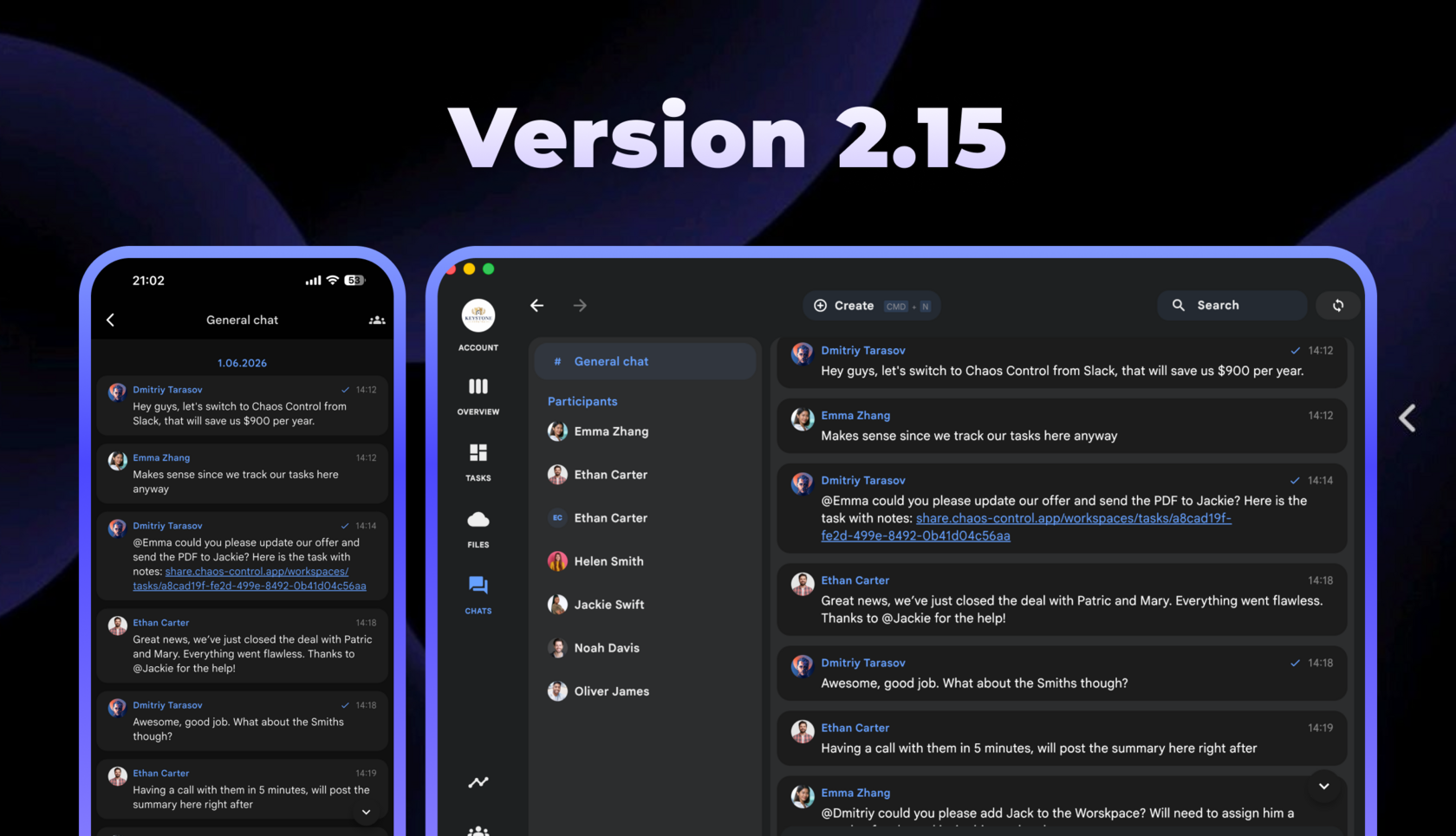
Version 2.15 of Chaos Control is live. This update features the following improvements.
Reminder Improvements
Reminders now sync across platforms and are supported for recurring tasks everywhere except the web version (this feature will be added there later).
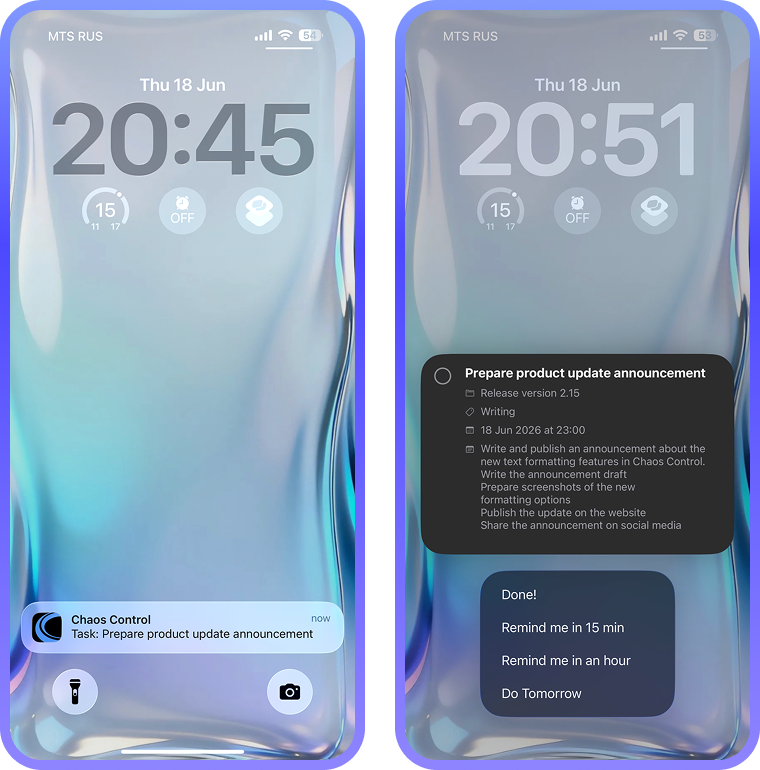
In addition, iOS users can now quickly view task details by long-pressing a notification. From the same screen, you can also snooze the reminder and mark the task as completed:
In addition, iOS users can now quickly view task details by long-pressing a notification. From the same screen, you can also snooze the reminder and mark the task as completed:
New Perplexity PRO Model
Users with a PRO 1000 license can now choose the new powerful Perplexity PRO model for chatting with the AI assistant, creating text transcripts from audio/video, and generating summaries.
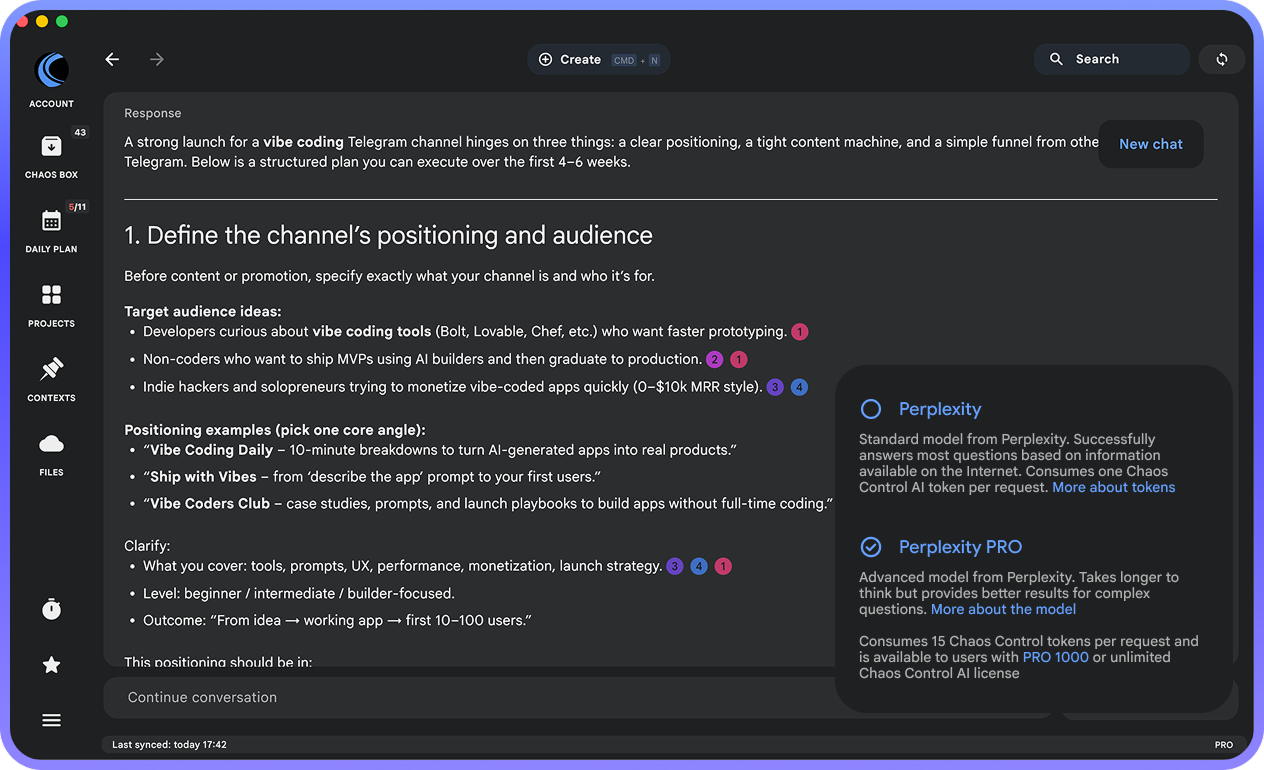
You can read more about this model and its pricing here. As a reminder, if you're on a Premium plan or a lower-tier PRO subscription, you can upgrade to PRO 1000 at a discount. Just email us at support@chaos-control.app, and we'll send you a promo code.
By the way, conversations with the Chaos Control AI assistant are now synchronized across your devices, so you can seamlessly continue any chat wherever you left off.
By the way, conversations with the Chaos Control AI assistant are now synchronized across your devices, so you can seamlessly continue any chat wherever you left off.
Messenger in Team Workspaces
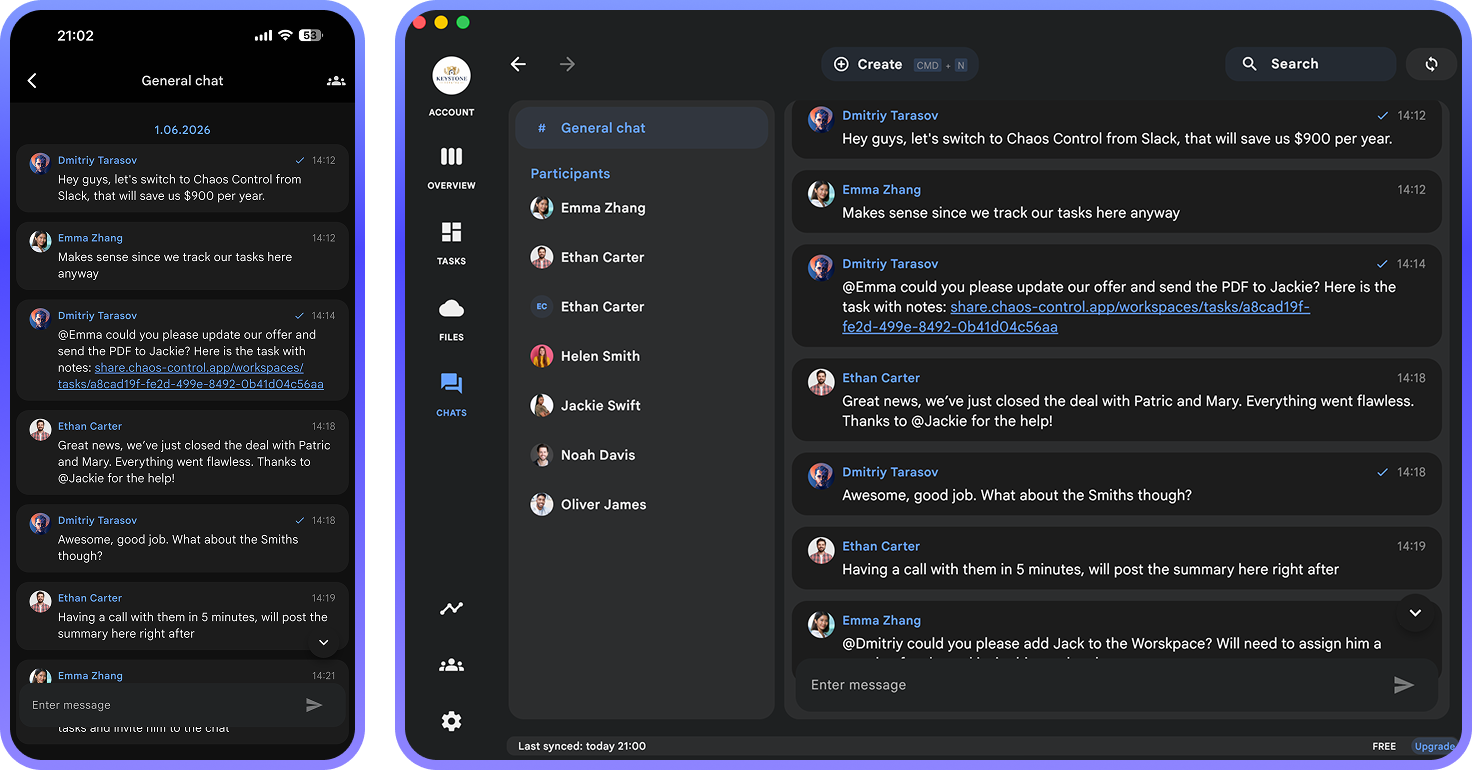
Team Workspaces now include a shared chat for all members. This is the first iteration of the built-in business messenger in Chaos Control, designed to help teams discuss work-related topics without leaving the app.
As this is the very first version of chat, it currently includes only core functionality. Direct messages and private channels with restricted access will be added soon.
One more thing: if you post a link to a task that belongs to the same workspace, its details will be displayed instantly right inside the chat, making it easy to discuss tasks without switching screens:
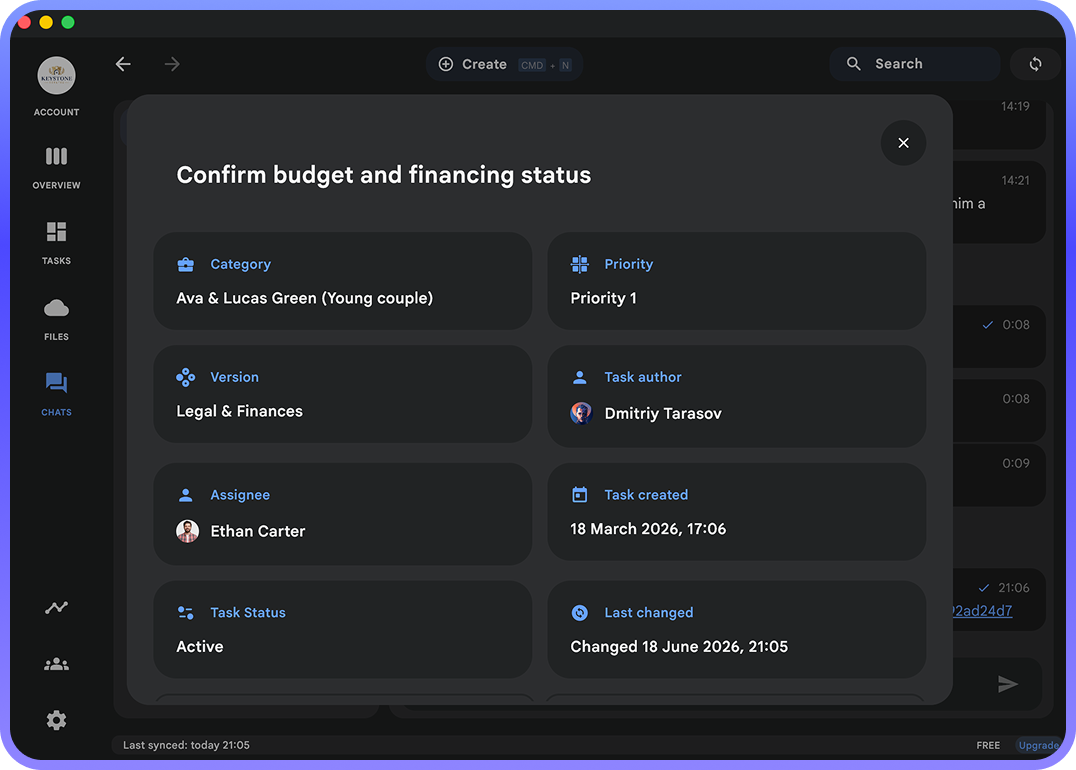
In version 2.15, Team Workspace chats are available free of charge for all workspaces. Starting with version 2.15.1, chat functionality will require one of the following:
- The workspace has its own Team Workspace license (you can purchase one here).
- All workspace members have an individual PRO license. In this case, a separate Team Workspace license is not required.
This approach gives teams the flexibility to choose the licensing option that best fits their needs.
PRO Pricing Update
As a reminder, after the next update is released (expected next week), all new PRO licenses purchased from that point onward will switch to a new model with monthly limit renewals.
If you'd like to keep the current weekly limit renewal model, it makes sense to purchase a PRO license before the update goes live (learn more here).
We especially recommend taking a look at the Lifetime PRO 1000 plan, which now includes access to the new Perplexity PRO model.
To get your promo code, simply contact us at support@chaos-control.app.
If you'd like to keep the current weekly limit renewal model, it makes sense to purchase a PRO license before the update goes live (learn more here).
We especially recommend taking a look at the Lifetime PRO 1000 plan, which now includes access to the new Perplexity PRO model.
- If you already have a PRO 10 license, you're eligible for a 50% discount.
- If you have a PRO 100 license, you'll receive a discount of $200.
To get your promo code, simply contact us at support@chaos-control.app.
Get lifetime PRO with weekly limit update
Dmitriy Tarasov,
Founder of Chaos Control
Founder of Chaos Control